
If organizations plan to hire dedicated developers in 2...
Read More
What should you know first? German law doesn't car...
Read More_thumb.webp)
What does the data show about costs? German firms th...
Read More
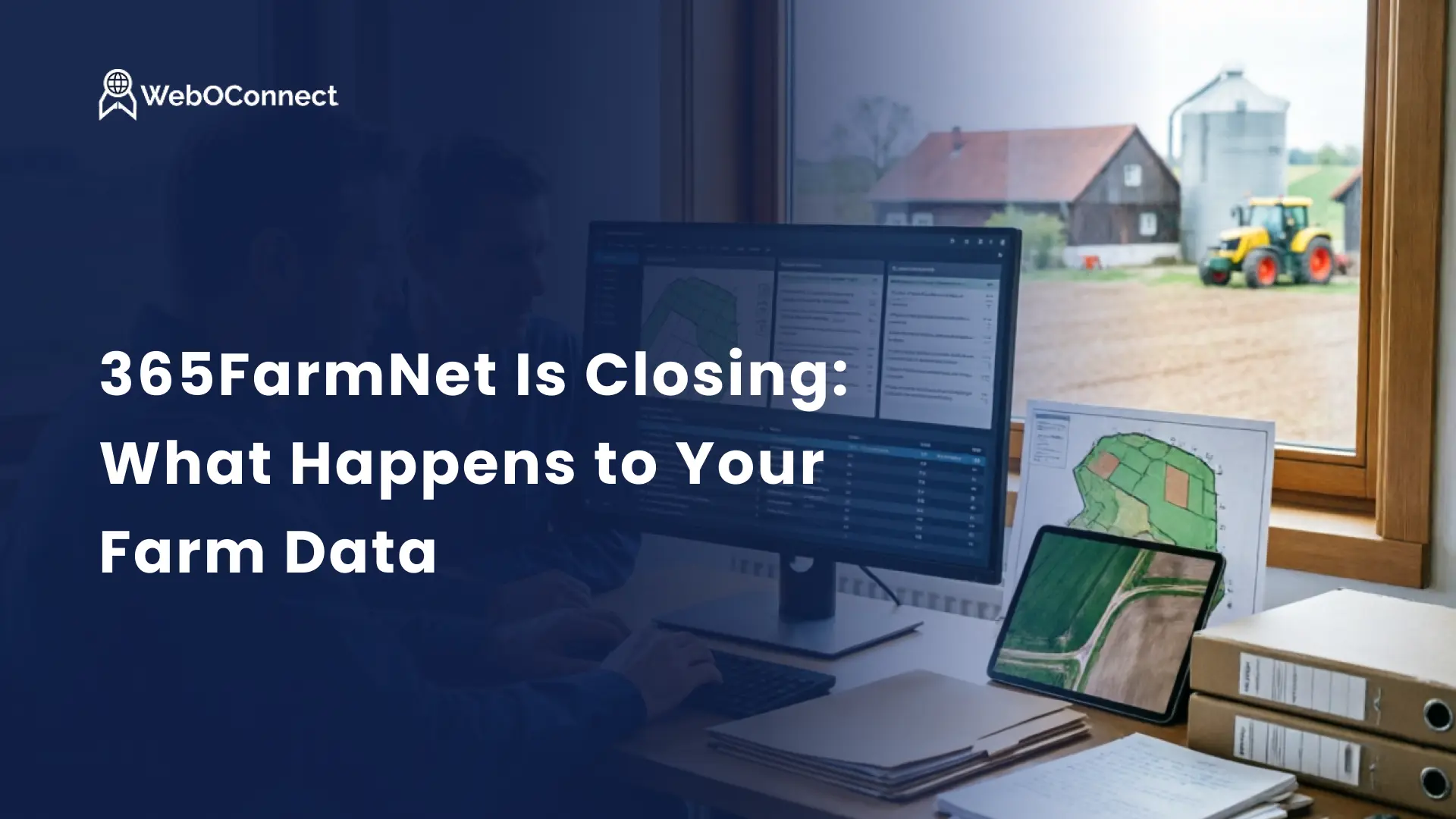
365FarmNet shuts down on 30 November 2026. If you're looking for a 365FarmNet alternative, the short answer for most farms is the official successor, CLAAS Connect. Your dealer moves your data across for free, and the first year of the licence costs nothing.
Whatever you decide, do these two things now:
The rest of this guide explains what is verified, what isn’t, how to transfer your data, and when an alternative route makes a difference.
365FarmNet will close on 30 November 2026, and support will end on the same date. CLAAS has been moving its functions into CLAAS Connect since October 2024.
What you need to know:
UK and Ireland: almost all the transition material, including the webinars, is written for German farms. Ask your CLAAS dealer early how they're handling the switch.
Data can be migrated free of charge, but it is agreed with your dealer, case by case, which data will move. The main tasks of 365FarmNet, such as field records, planning, machine data, and precision farming, are included in CLAAS Connect.
You can't switch on your own. CLAAS sells through dealers, so a dealer is required. The process has four steps:
|
Part of CLAAS Connect |
Cost |
|
Machine Management |
Free with any CLAAS machine |
|
Farm Management (your field records) |
Paid operating license: Farm Connect, Fleet Connect, or Field Connect |
|
First year for 365FarmNet switchers |
Free, full feature set |
|
After the first year |
The contract renews automatically. There's no free version any more. |
Put the renewal date in your diary the day you sign.
Use 365FarmNet's built-in exports, one harvest year at a time, and finish well before 30 November 2026. Do this even if you're migrating. It's the only copy you control.
365FarmNet treats these as two separate jobs:
365FarmNet's own backup guide, which has screenshots, covers the first four:
|
What |
Format |
Notes |
|
Bookings (your crop production activities) |
CSV |
Raw data you can open in Excel or import elsewhere. |
|
Field records (your Schlagkartei, or field record book) |
PDF, one file per harvest year |
Your field history for inspections |
|
Consumption data (inputs used) |
|
Seed, fertiliser, plant protection products |
|
CC certificates (plant protection) |
Export from the plant protection section |
Cross-compliance evidence |
|
Completed work processes |
ISOXML |
Confirmed in the FAQ. The format a tractor terminal or another FMIS (farm management information system) can read |
Take the ISOXML export if there's any chance you'll move to something other than CLAAS connect.
From 1 January 2027, farms in EU countries such as Germany and Austria must keep plant protection records electronically, in a machine-readable format. Paper records have to be converted within 30 days.
For moving field records from one system to another, see our companion guide.
For most farms, CLAAS Connect is the sensible choice. The migration is free; your dealer helps, and year one costs nothing. You have three realistic routes:
|
Route |
Best for |
|
CLAAS connect |
Most farms, especially those already working with a CLAAS dealer |
|
Another Ackerschlagkartei (field record software) |
Farms without a CLAAS dealer or that need a feature CLAAS Connect haven't shipped. |
|
Your own platform |
Contractors, advisers, farm groups, and agritech businesses with complex data |
Several German field record vendors are already targeting 365FarmNet users, some at low annual prices. Before you compare prices, ask each one:
That last question is the real lesson of this closure.
A custom platform is worth looking at if "one farm, its fields, its machines" doesn't describe your business. For example:
If that's you, settle the data model first, starting with fields:
On a farm platform we built on a field model matched to the German cadastral record, this was the first decision we made. See how we approach farm and agritech software.
Owning a platform also means paying to run it:
Plan for ongoing maintenance and support from the start.
Move to CLAAS Connect if any of these fit:
In these situations, a custom build would incur more than years of licences and burden you with software requiring maintenance. The same reasoning applies to any build-versus-buy decision for business software: custom pays off when your processes are unusual and stable.
|
When |
What to do |
|
This week |
Run all five exports by harvest year and check the files. |
|
This week |
Ask 365FarmNet support how to export field boundaries. |
|
October |
Contact your CLAAS dealer and book a migration appointment if you're switching. |
|
29 Oct, 3 Nov, or 5 Nov |
Optional German-language webinars on the switch, about 90 minutes each |
|
After signing |
Cancel any booked 365FarmNet modules. Note your renewal date. |
|
Two weeks before 30 Nov 2026 |
Confirm every export is complete. Don't leave it to the last day. |
|
Before 1 Jan 2027 (EU farms) |
Make sure your new system keeps machine-readable spray records. |
Moving off a closing platform? Talk to us about owning your data.
No. You can use 365FarmNet until 30 November 2026 and keep the data you export. CLAAS Connect is the official successor, not a requirement.
Partly. Machine management is free with CLAAS machines. Farm management needs a paid licence after the free first year, and the contract renews automatically.
Yes, through ISOXML, the Data Connect link to John Deere and CNH, and some third-party trackers. CLAAS says support for non-CLAAS machines is still being expanded.
The official manual doesn't say that. Neither does the FAQ. Ask your dealer before the migration appointment and request 365FarmNet support on how to export them yourself.
If organizations plan to hire dedicated developers in 2...
Read More
What should you know first? German law doesn't car...
Read More
What does the data show about costs? German firms th...
Read MoreBusiness, technology, and innovation insights. Written by experts. Delivered weekly.
365FarmNet shuts down on 30 November 2026. If you're looking for a 365FarmNet alternative, the s...
Read More
What Is the Real State of AI Integration for Businesses Today? The noise around artificial intell...
Read More
If organizations plan to hire dedicated developers in 2026 they then enter a market shaped by senior...
Read More